
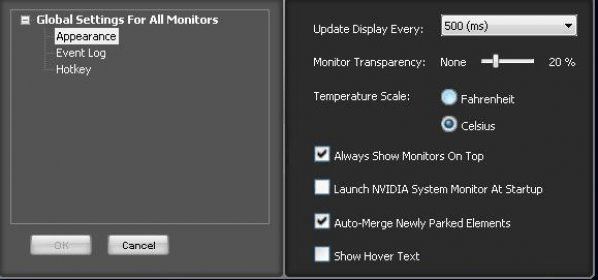
NVIDIA System Monitor is a 3D application that allows more than just setting up basic display configurations such as display resolution,refresh rate, or multiple display use. It also is monitoring PC component characteristics.
The architecture of this application is intuitive and is the ultimate release for optimizing system, thermal and acoustic performance of a NVIDIA nForce based PC and ESA certified components. It contains a set of utilities for managing and optimizing the performance of NVIDIA graphic cards.
Along with this tool you can find:
- 3D tuning with real‐time preview to maximize performance or imagequality
- Customize 3D applications to work in your system
- Colors and contrast screen adjustment
- Custom timing settings
- Video image settings control
- HDTV format setting
- Notebook system power Control (PowerMizer)
- System tuning and profiles for clocks, voltages, timings, and fans
- Real-time monitoring of all PC components with visual warning alerts
- Stores PC status records for efficient system monitoring and debugging
- Enables GPU overclocking





Comments